 lockmeout.online
Social media, apps and websites are engineered to steal your focus. Lock away distractions for a set time — across your phone, computer and online accounts alike — then get your unlock code by email or push when time is up. No cheating possible.



Reclaim your focus
Time-based locks
No Cheating
Scheduled access
Unlock Notifications
Peer accountability
Emergency access
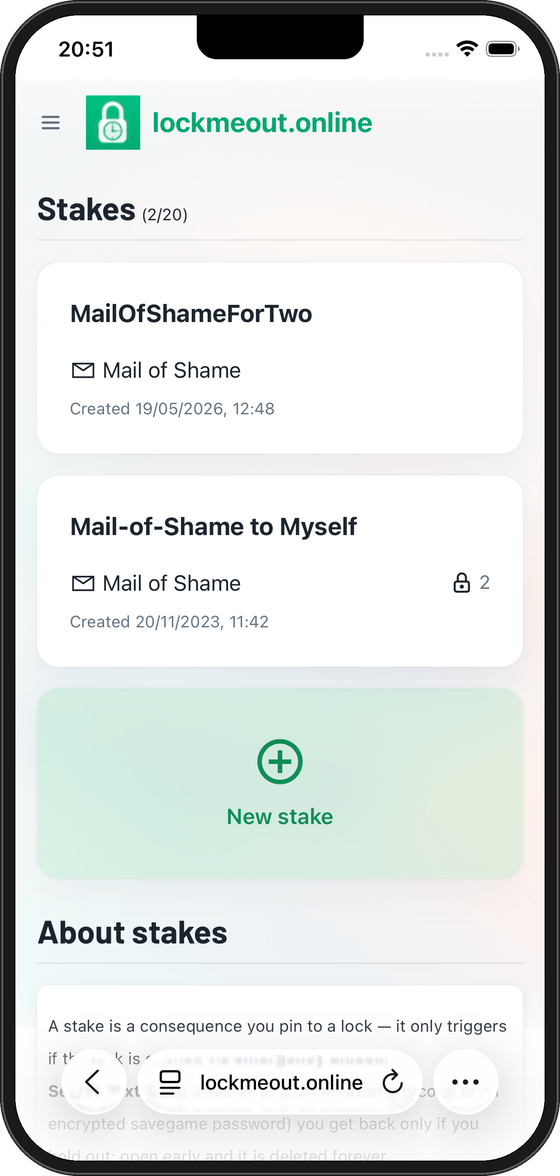
Introducing Stakes
Native and Web App
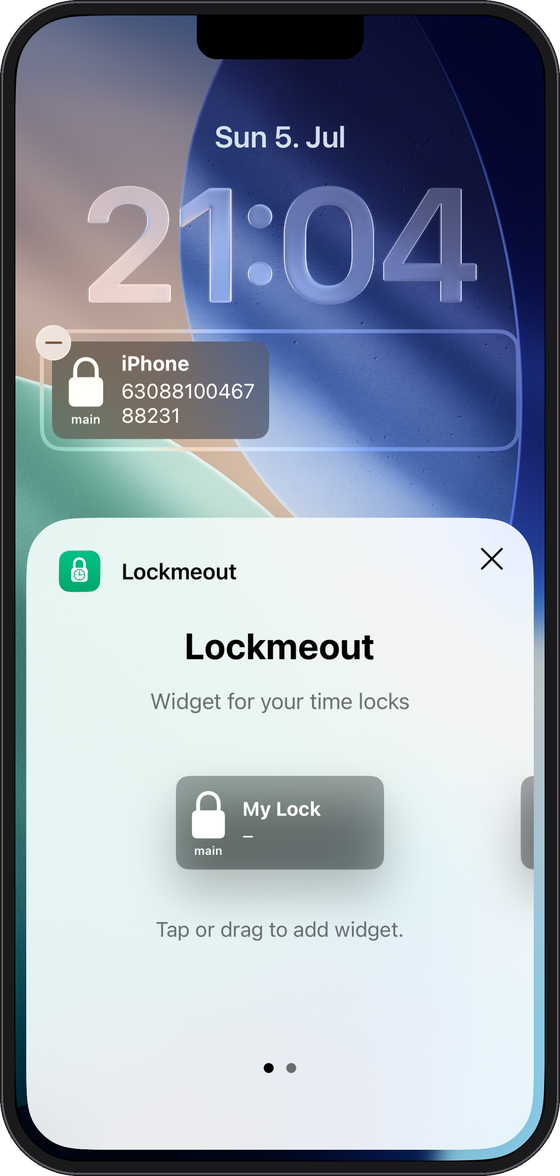
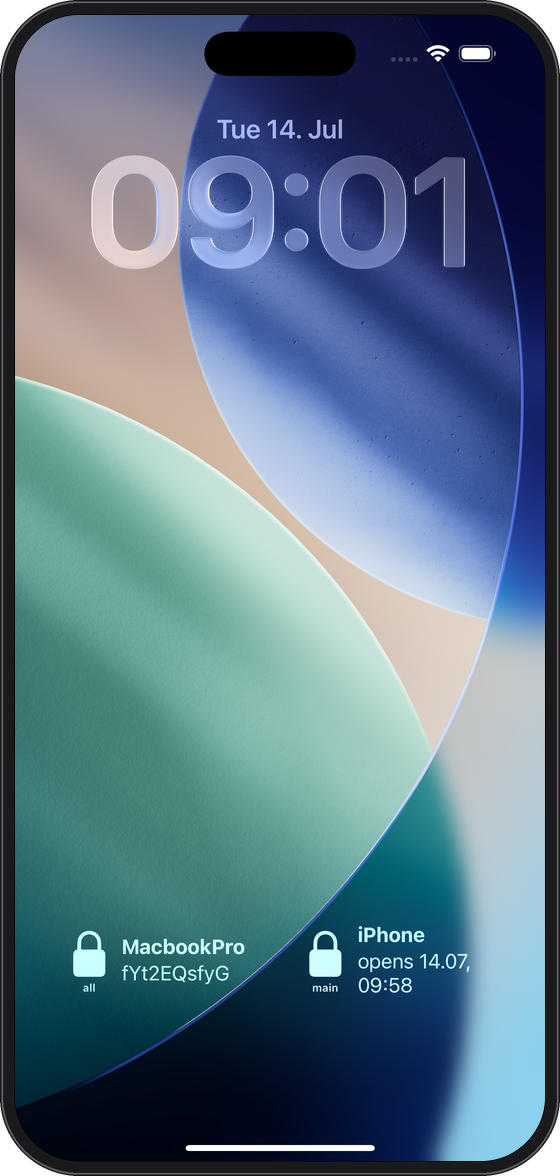
Your unlock code, right on your lock screen
The native iOS app adds a lock screen widget so you can read your unlock secret without ever unlocking your phone — perfect for when your device itself is time-locked.
Lock screen widget
Once a lock opens, access your unlock code from our lock screen widget and regain access.
Control Center buttons
Add lockmeout buttons to Control Center to trigger a countdown or emergency unlock in a single tap — even while your phone is still locked, with no need to open the app.
Siri, hands-free
Siri stays active to use essential phone featuers such as making outgoing calls. When a lock expires, just ask Siri for your unlock code and have it read out loud.
Push notifications
Get notified the moment a lock opens, with the unlock code delivered right to your phone ready to be read from the lock screen.
How it works
Three simple steps between you and a focused, distraction-free stretch of time.
1
Lock it away
Set a random, time-locked password on whatever pulls your attention — your phone, your computer, or a specific online account.
2
Focus — no cheating
Get on with what actually matters. Your mind settles into deep focus, knowing there is simply no way back in before the timer ends.
3
Time's up — get back in
When your lock expires you receive the unlock code by push or email, and pick up right where you left off.
Start with our tutorials
Follow the complete, step-by-step guide to locking yourself out of your phone, computer or account with a passcode you can’t remember — and how to get your passcode back when your focus time is up.
The full app, right in your browser
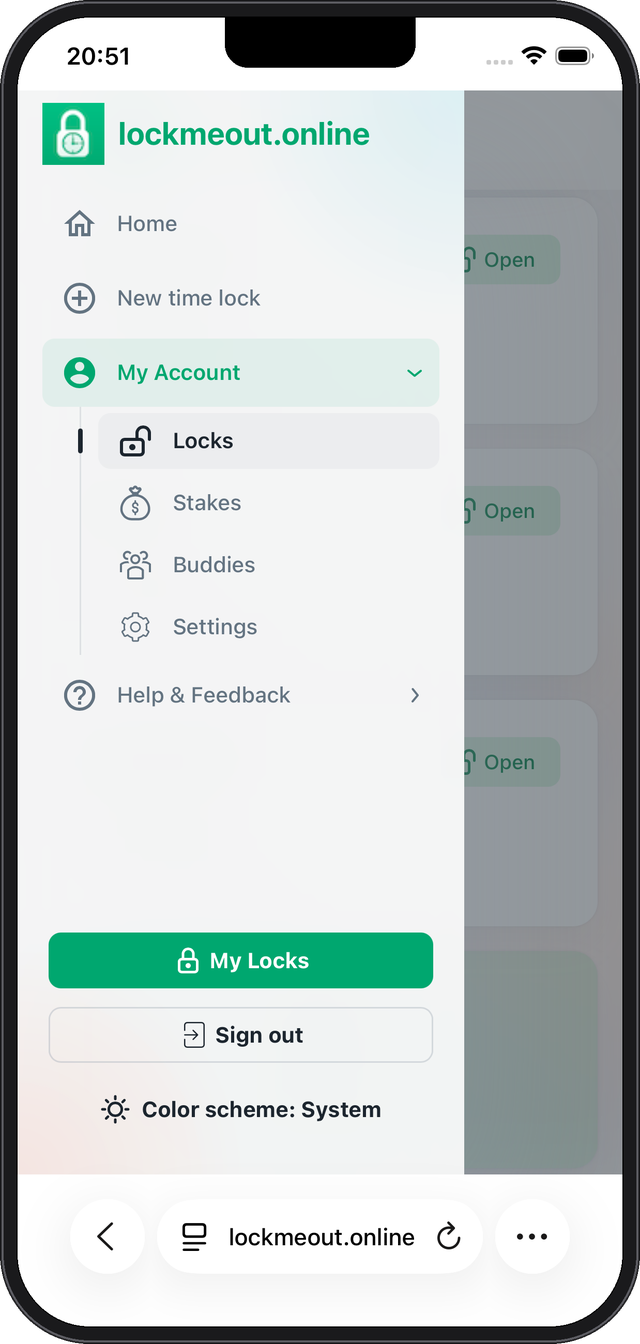
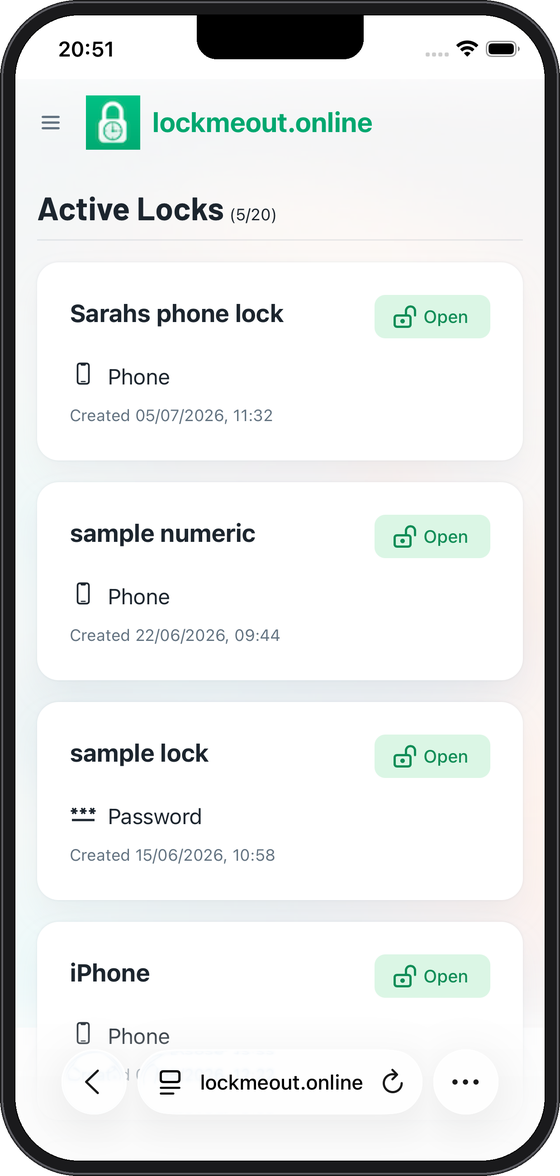
No download, no waiting — lockmeout.online runs straight in your browser on any phone, tablet or computer. Start a lock in seconds, and add it to your home screen whenever you want an app-like feel.
Runs anywhere
Any modern browser on iOS, Android, macOS, Windows or Linux — nothing to install to get started.
Install as a PWA
Add lockmeout to your home screen on iOS or Android for a full-screen, app-like experience.
All the core features
Create locks, receive unlock codes and get push notifications — no account required to try it out.
Focus & digital wellbeing
Your attention is valuable
Powerful web app
Not just screens
Lock away real-world items too — like a game controller: seal it in a box with a combination padlock, snap a photo of a scrambled combination, and lockmeout only reveals the code when your time is up. Find out how →
Create your first time lock in seconds — free, no installation required. Ready when you are.